Tools

HTML5 Ad PreviewLive browser preview for all banner sizes HTML5 Ad ValidatorCheck compliance for Google Ads, DV360 & more HTML5 Ad FixerAuto-fix click tags & platform errors ClickTag ValidatorVerify click tags are set up correctly

Company

Features Pricing Blog About

Industries

For Freelancers For Ad Agencies For In-House Teams
For Ad Agencies

One platform for your
entire creative workflow

From brief to live campaign — ADExhibit gives your agency a single place to manage HTML5 ad creatives, validate against every platform spec, collaborate as a team and get client sign-off without the chaos.

See All Features
How it works
1

Create campaigns & add clientsOrganise every project in one workspace

2

Upload & validate all creativesHTML5, image, GIF and video ads

3

Add team membersEveryone works from the same workspace

4

Share & get client approvalOne link per campaign, no client login

The bottlenecks killing your agency's output

Your team is talented. The tools they're using aren't keeping up.

Creatives scattered across drives and inboxes

HTML5 ZIPs in Dropbox, feedback in email threads, final versions in Slack, approvals via WhatsApp. Nobody knows which file is current. Campaigns get delayed.

Endless revision rounds with clients

Clients can't open ZIPs. Screenshots miss the point. Three rounds of 'can you show me how it looks on Instagram?' before a single impression is served.

Platform rejections waste time and money

Your developers spend hours debugging click tags, exit events and file size issues across Google Ads, DV360 and CM360 — on every campaign, every time.

01

Campaign & client management

Everything organised in one agency workspace.

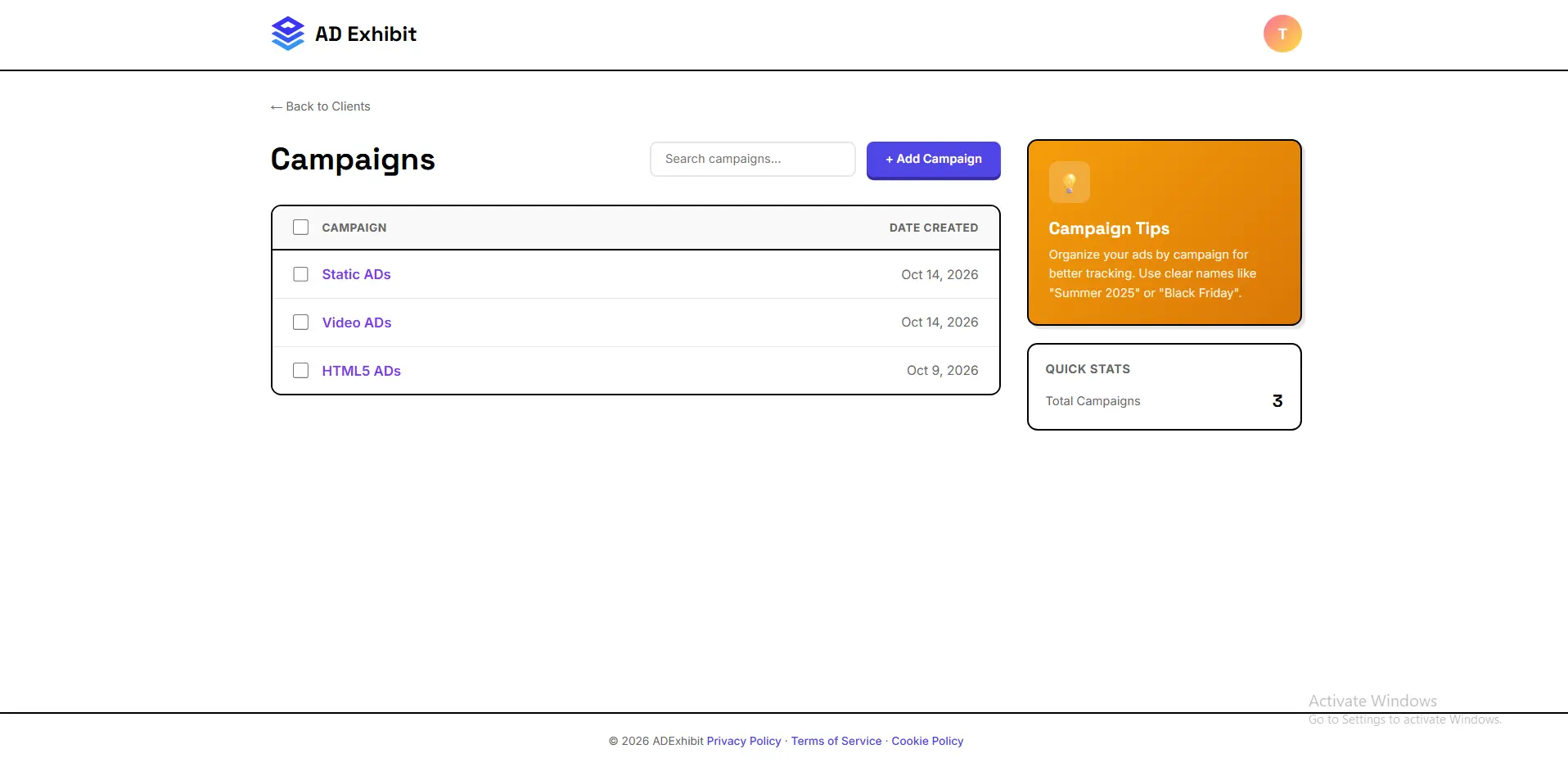
Create unlimited campaigns, assign them to clients, and manage every ad creative from a single dashboard. HTML5 banners, image ads, GIFs and video — all in one place, all organised. No more hunting across drives and inboxes. Your entire agency output, visible at a glance.

Unlimited campaignsUnlimited clientsAll ad formatsCampaign dashboardFile organisation

Campaign Manager
— add screenshot here

Bulk Validation
— add screenshot here

02

Bulk HTML5 validation & auto-fix

Validate entire campaign sets in seconds, not hours.

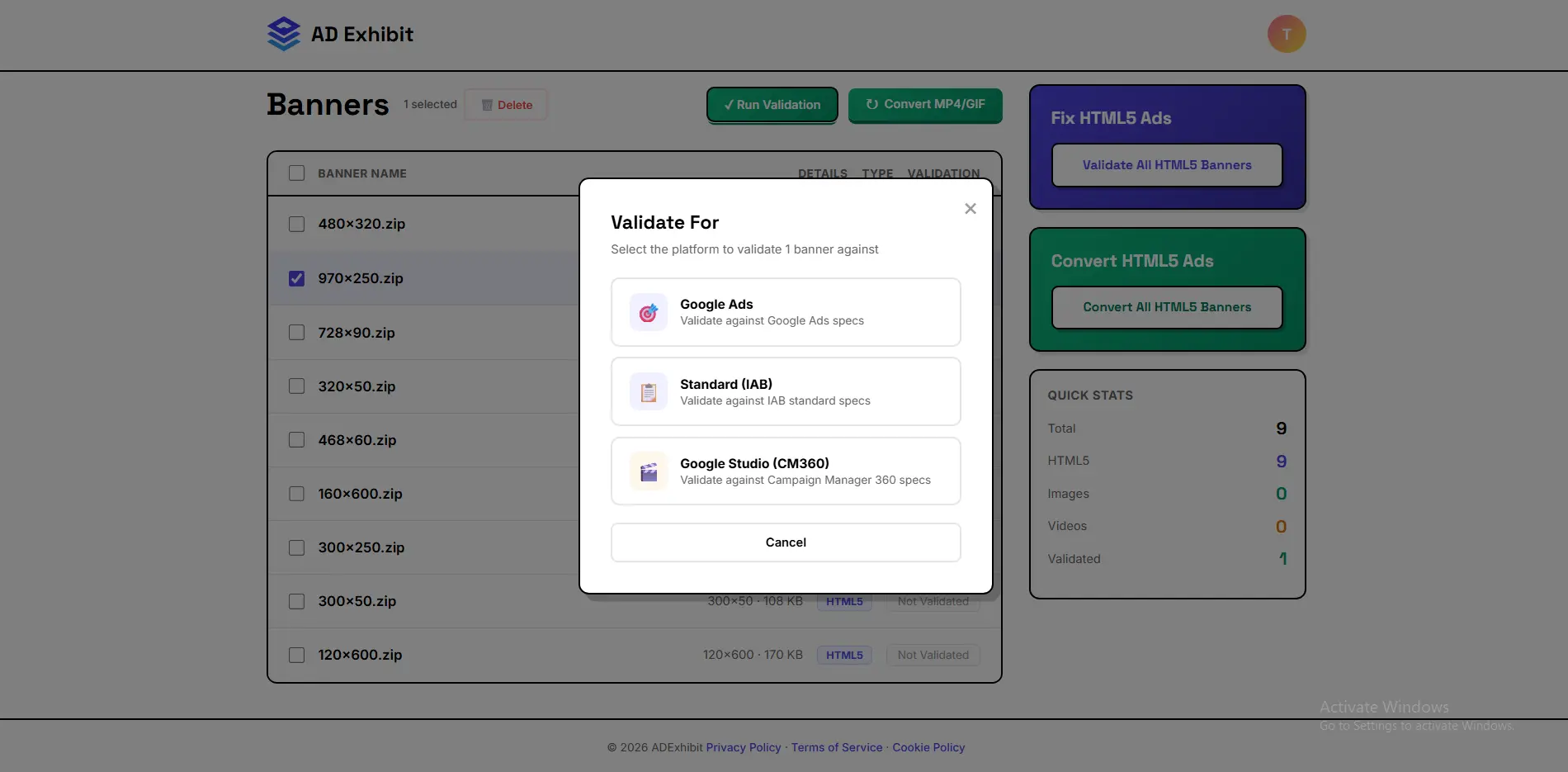
Upload a full campaign set and validate every banner against every platform spec simultaneously. ADExhibit checks Google Ads, DV360, CM360, IAB and 15+ other platforms, flags every issue and fixes them automatically. Your developers stop spending hours on platform compliance — ADExhibit handles it.

Bulk validationAuto-fix15+ platformsGoogle AdsDV360CM360
03

Team collaboration

Every team member in the same workspace.

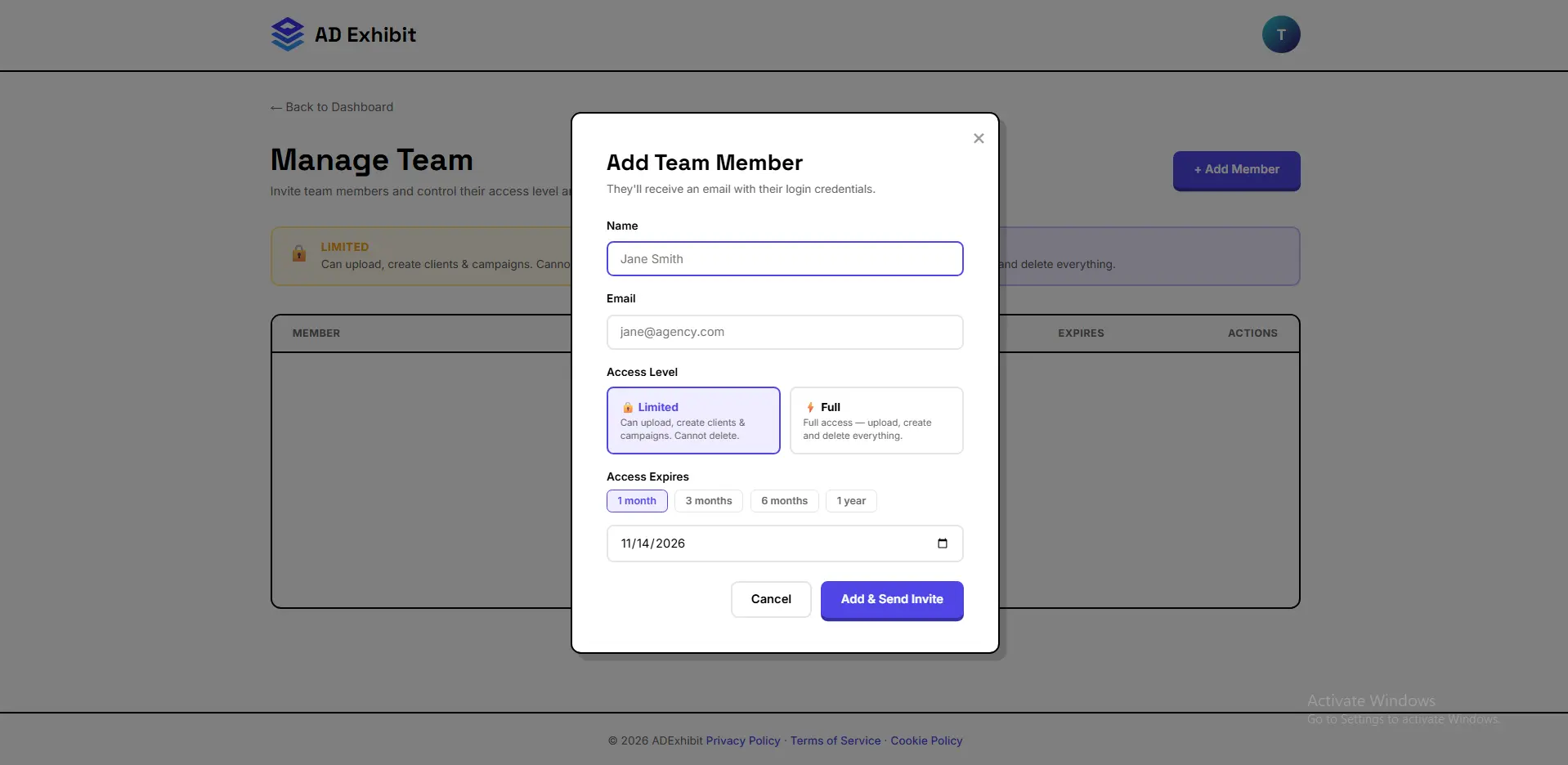
Add unlimited team members to your ADExhibit account. Designers, developers, account managers and producers all work from the same campaigns and client workspaces. No more version confusion, no more duplicated effort, no more 'did you get the latest file?' — everyone sees the same thing.

Unlimited team membersShared campaignsShared client accessRole managementReal-time updates

Team Workspace
— add screenshot here

Client Approval Preview
— add screenshot here

04

Client approval in mockup context

Clients approve faster when they see the ad where it actually appears.

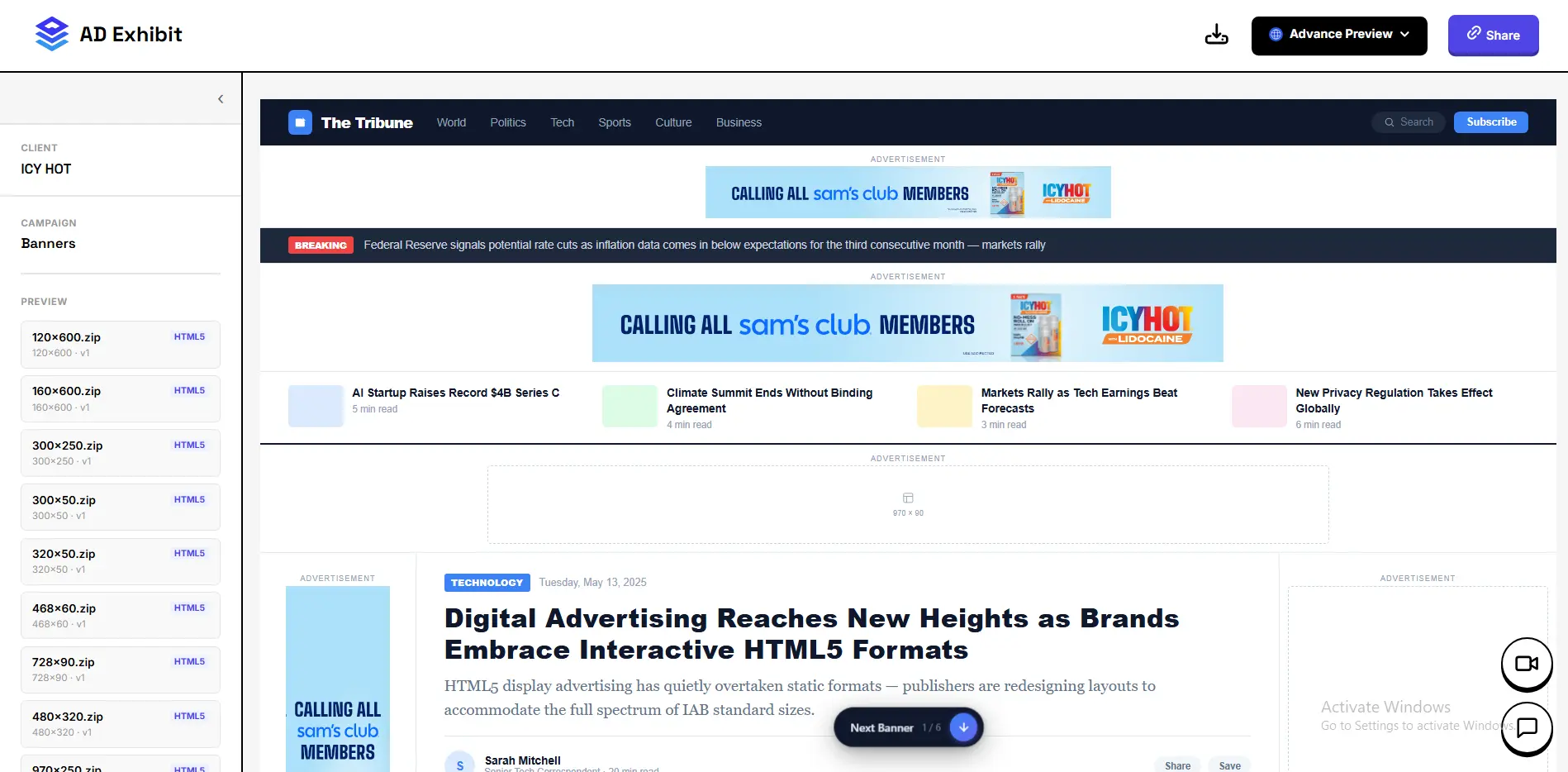
Generate a single shareable preview link per campaign. Your client sees every creative inside real social media and website mockups — Instagram Story, Facebook feed, website leaderboard — all from one professional branded preview. They leave feedback and approve directly. No login, no ZIPs, no confusion about which version is current.

One link per campaignSocial media mockupsWebsite mockupsIn-preview feedbackNo client login
"

Our account managers used to spend half their time managing files and chasing approvals. ADExhibit cut our approval cycle from five days to one.

A
Alex M.Creative Director, Digital Ad Agency

Common questions

Everything you need to know about using ADExhibit for your workflow.

Yes. Add unlimited team members to your account. Everyone shares the same campaign workspace — designers, developers, account managers and producers all see the same files, the same validation results and the same client feedback.

Upload the full ZIP and ADExhibit automatically detects every banner size, previews each one and validates all of them simultaneously against your target platforms. Bulk fixing is one click.

Custom branding options are available on agency plans. Contact us for details on white-label preview pages for your clients.

No. Client preview links are public. Your client clicks the link, sees every creative in context, leaves comments and approves — all without signing up for anything.

ADExhibit works alongside your existing tools. Upload from anywhere, share links via any communication channel, download platform-ready ZIPs directly to your delivery workflow. There's no mandatory integration — it fits in where you need it.

Your clients deserve better ad previews.

See Pricing

100MB free · No credit card · Cancel anytime